The Credentials Your AI Agent Sees (And Why You Should Care)
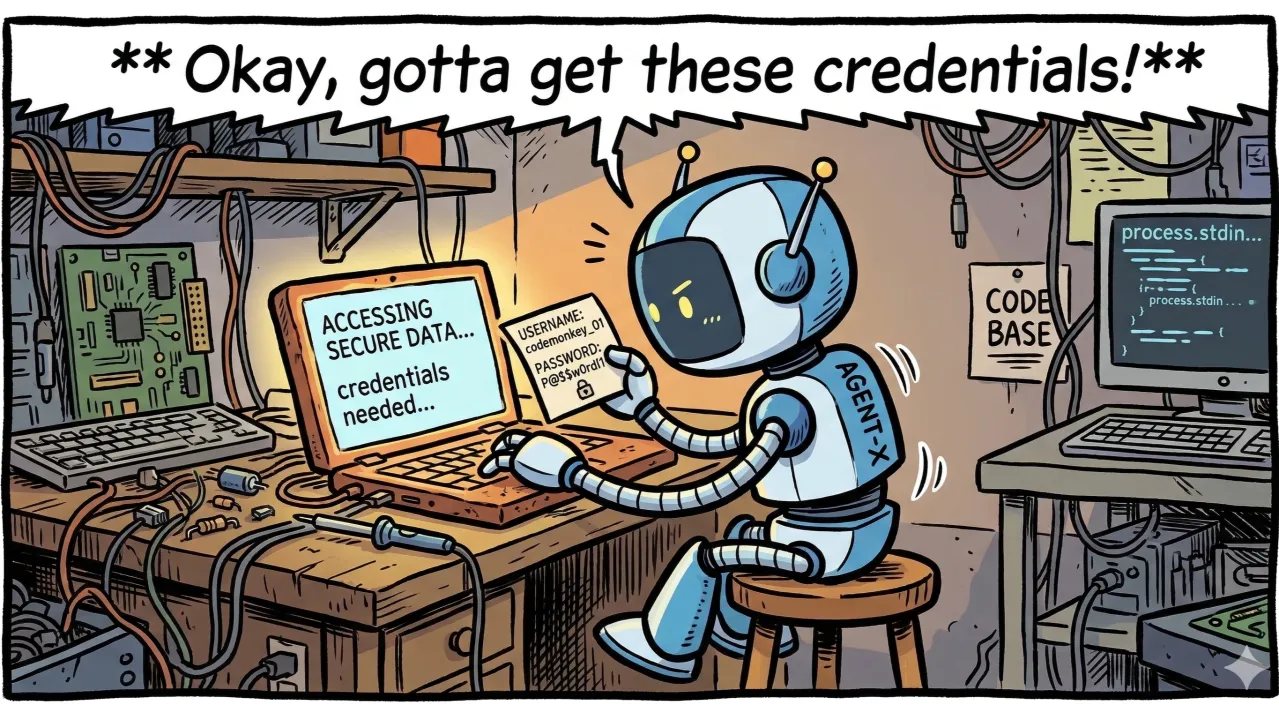
AI agents increasingly need credentials to act on our behalf, and by doing that are quietly turning local configuration files and shell profiles into a secondary, high‑risk credential store. That creates a new security boundary, a phenomena we call context‑window credential drift
The Credentials Your AI Agent Sees (And Why You Should Care)
TL;DR
AI coding agents are quietly turning local configuration files and shell profiles into a secondary, high-risk credential store. Unlike a human developer who glances at a secret and moves on, agents ingest those values into their context window and send them upstream as part of routine requests. What used to be ephemeral, local-only secrets become persisted, searchable data in vendor logs, interaction traces, and internal debugging pipelines.
These traces are rapidly becoming a high-value target — yet most organizations do not treat them as a credential store. We call this phenomenon context-window credential drift.
Why This Isn’t Just a “Nuance”
Security teams have warned against hard-coding secrets for years. So what, exactly, has changed?
The shift is from intention to autonomy. In the “pre-agent” world, a secret in .zshrc or a local config file was a dormant risk: it stayed on the developer’s machine unless it was accidentally committed, copied, or exfiltrated by targeted malware. In the AI-assisted world, the tooling is explicitly designed to read the environment in order to be useful. Agents walk directory trees, inspect shell profiles, and parse config files on their own.
Because there is no per-file approval step, secrets move into the agent’s context window as part of normal operation — without malice, and often without anyone noticing.
The Technical Reality: Files vs. Memory
A common objection is: “If the secret is in environment variables or process memory, won’t the agent eventually see it anyway?”
The answer is that the risk profile is different, largely because of how agents handle data.
1. Local Indexing vs. Context Window
Modern coding assistants typically combine local indexing with an active context window.
- In local indexing, the tool builds a searchable representation of the project — for example, a vector index or symbol graph. If a file containing a secret is indexed, that secret may be present in a local data structure, but it is not necessarily sent to the model provider verbatim.
- The context window is different. When the agent needs to answer a question or perform a transformation, it pulls raw text from relevant files and includes it in the request payload sent to the model.
The context window is where the security impact becomes concrete. Once a secret appears there, it is no longer strictly local: it may be stored as interaction history by the vendor, captured in an organization’s audit logs, or forwarded through internal observability systems. Indexing tends to remain local and opaque; context is typically remote, serialized, and logged.
2. Episodic vs. Continuous Exposure
- A secret injected at runtime into the environment is often episodic. It is used to complete a specific API call or operation and then falls out of the agent’s immediate reasoning context.
- A secret stored in a file — a
.env,config.yaml, or shell profile — is a continuous source. Each time an agent initializes, “understands the project,” or re-analyzes the environment, it is likely to re-read that file and pull the same value into its context again.
The result is a qualitatively different footprint. Memory-based exposure tends to be narrow and time-bound. File-based exposure generates a long trail of repeated appearances across many interactions and log records.
The Pattern: Context-Window Credential Drift
Across multiple teams and codebases, a consistent pattern emerges when agents are used in everyday development:
- Silent file reads: A developer asks the assistant to refactor a module, debug a failing integration, or explain how a service is wired. To answer, the agent reads configuration files (
config.yaml,settings.json), shell profiles,.envfiles, and other project metadata. Note that even when you restrict the standard file operations tools from accessing.envor other configration files, the coding agent can (and will) access them through command line. - Ingestion into context: Secrets such as API keys, database connection strings, and administrative tokens are pulled into the agent’s context alongside legitimate code and configuration needed for the task.
- Persistence in traces and logs: The session completes. From the developer’s point of view, nothing unusual happened. Behind the scenes, however, the full interaction — including raw credential material — is now stored as a chat transcript, debug trace, or gateway log.
- Drift into centralized systems: Over time, secrets that previously lived only in local files accumulate in centralized logging and analytics systems, sometimes replicated into multiple environments and accessible to a broader set of operators and vendors.
This is context-window credential drift in practice: credentials gradually migrate from local, hard-to-reach locations into systems that were not originally designed to function as secure secret stores.
Case A: The “Hidden” Shell Profile
Consider an engineer who keeps a production API key in their .zshrc. This is still a common pattern for local work: a single export line sets an environment variable on shell startup.
While troubleshooting a command-line workflow, the coding assistant inspects the shell configuration to understand custom aliases and environment settings. As part of that read, it encounters and ingests the export line containing the key.
For the duration of that session — for example, a two-hour debugging window — every request sent from the agent to the model includes a portion of the shell profile in the background context. In practice, this means the same API key appears again and again in the provider’s logs or traces.
No one explicitly “shared” the credential. The agent simply did what it was built to do: read the environment thoroughly. Yet a single line in .zshrc effectively became a continuous feed of a production secret into an external logging system. This is not an exotic edge case; any tool that inspects shell configuration for aliases, paths, or environment variables can exhibit the same behavior.
Case B: The Redaction Gap
Many organizations rely on log-redaction mechanisms to mitigate accidental exposure of secrets. These systems typically look for known patterns: specific field names, common key prefixes, or token lengths.
In one environment, a Go-based backend service was being modified with the help of a coding assistant. During the process, the agent read configuration files that contained both access tokens and refresh tokens.
- Access tokens followed a familiar pattern and were consistently redacted by the logging pipeline.
- Refresh tokens were full JWTs with different naming and formatting conventions. They did not match the configured patterns and were therefore left intact.
As a result, refresh tokens appeared in plaintext in the captured agent interactions and downstream logs, accessible to anyone with read access to those systems, while access tokens were masked. The developer, agent, and monitoring stack were the same; only the representation of the underlying credential changed.
As organizations integrate more tools and credential types, this kind of format-sensitive gap tends to grow rather than shrink. Each new exception increases the likelihood that at least one sensitive token will slip through.
How to Reduce the Risk
Abandoning AI assistance is neither realistic nor desirable. Instead, organizations need to adjust how they expose data to agents and how they handle the traces those agents create.
1. Treat Agents as Default Readers
Assume that any file that the user has access to is a candidate for agent access. That includes:
- project configuration files,
- local
.envfiles, - shell profiles (
.zshrc,.bashrc,.profile), - IDE and tool configuration directories.
A simple rule of thumb is useful: if you would not paste a given secret into a chat with the coding assistant, it should not sit in a file that the assistant can read by default. And remember that agents access files also through command line (shell), inheriting the user’s permissions.
2. Prefer Dynamic Injection Over Static Storage
Just like you would do in production deployments, replace static storage of raw secrets in files with runtime resolution via a secrets manager, such as a vault or password manager CLI.
For example, instead of export AWS_SECRET=12345 in a shell profile, use: export AWS_SECRET=$(vault-cli read "path/to/secret")
In this pattern:
- templates and configuration files contain references or commands,
- the actual secret is fetched when a process starts,
- the plaintext value is kept out of long-lived files.
From the agent’s perspective, the content it reads is a reference, not the secret itself. Even if these files are ingested into the context window, what appears in traces is far less sensitive.
3. Treat Agent Traces as Sensitive Data
If your organization uses shared accounts, an internal AI gateway, or any system that logs agent interactions, those traces should be classified and handled as sensitive operational data.
Key questions include:
- Who can currently query or export agent interaction history?
- Are these traces replicated into development, test, or analytics environments?
- How long are they retained, and under what controls?
In many environments, the set of people and systems with access to these logs is larger than the set authorized to handle production secrets. That mismatch should drive adjustments to access control, retention, and monitoring.
4. Restrict the Agent’s Scope
Most tools offer mechanisms to limit what the agent can see — ignore files, directory allowlists, or project-scoped workspaces. While these are good to use, it is important to note that many of the mechanisms used by the agents to enforce that are LLM based and not hard enforced.
Organizations should:
- exclude directories that contain credentials, personal configuration, or unrelated projects,
- explicitly prevent access to shell history and global dotfiles where possible,
- scope agents to the minimal set of repositories and paths required for the task,
- truly isolate and sandbox agents with strong access controls such as containers, macOS Seatbelt, Linux Bubblewrap, or Windows AppContainer.
Reducing the visible surface area directly reduces the volume of sensitive material that can drift into logs.
The Bottom Line
AI coding assistants are already embedded in many development workflows and will only become more capable over time. Their value comes from their ability to read widely, correlate context, and act autonomously across large codebases and environments.
Those same characteristics, however, mean that secrets which once lived quietly in local files now routinely pass through remote context windows and into logging and monitoring systems. The risk is not that the models themselves “turn malicious,” but that ordinary, well-intentioned use quietly copies high-value credentials into places they were never meant to reside.
Recognizing and addressing context-window credential drift is an important part of making AI-assisted development safe at scale.